Now with a new (old) icon!
This is a big update with new features as well as lots of bug fixes and layout improvements. You can download Birdathon 2.0 from the App Store now.
The core taxonomy has been changed from eBird/Clements to AviList. AviList is a new “collaborative global effort to produce a single current consensus taxonomy for the birds of the world” — see avilist.org for all the details. Since Clements and AviList have not yet fully converged, there are some accommodations in Birdathon to make things easier, notably the built in checklists for California, Santa Clara County, CA, and San Luis Obispo, CA still use the Clements naming so if you make a checklist using those templates and export for eBird it will be easier to import into eBird. For example, Bank Swallow in Clements is Sand Martin in AviList. If you tap on “Bank Swallow” while using the California checklist template, you’ll see “Bank Swallow aka Sand Martin” to highlight the new common name, but you can keep using the old name for now.
An improved feature called Overview (formerly “Summary”) lets you get a high-level view of all your checklists combined, for any date range. Overview does more and it better remembers your settings, especially the map view. Overview is at the bottom of the main screen and when you tap it you’ll see two tabs: Summary and Map. Summary is much as it was in previous versions, with some bug fixes, some visual cleanup and better exporting. Map is now more than just a way to see past observations. You can now use it for observing where you are with county boundaries, range circles and other overlays to help guide you. Birdathon will remember when you have the Map open, so even if you’re not checklisting in Birdathon, you can still use it to see county boundaries and other overlays.
Speaking of other overlays, this version has support for a new initiative called the California Bird Atlas, a five-year effort to record breeding bird activity across all 58 counties in the state. Thanks to the team at californiabirdatlas.org, all the atlas blocks are now built in to Birdathon. So when you bring up a map you can turn on all the atlas blocks for your county and see exactly where you are in relation to the blocks. Tap on a block to see its name. These blocks (along with county boundaries, range circles and other overlays) will show even if you have no network (wifi or cell) because they are stored locally on your phone. So if you’re participating in the CA Bird Atlas effort, you can still tell which block you are in.
Maps in checklists now include a dotted arrow line connecting observations in the order they were made. This indicates the direction of travel and the order of the observations.
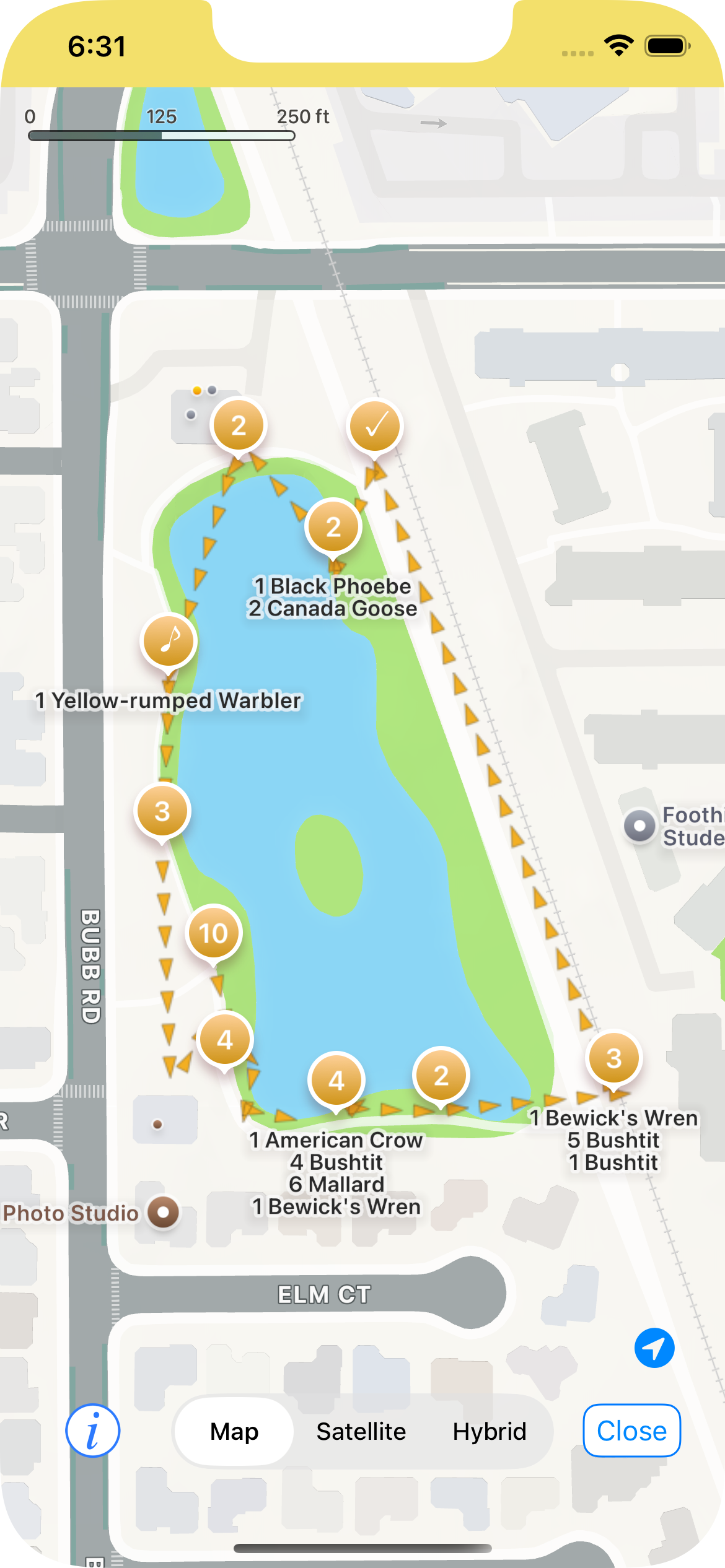
Arrows indicate direction of travel
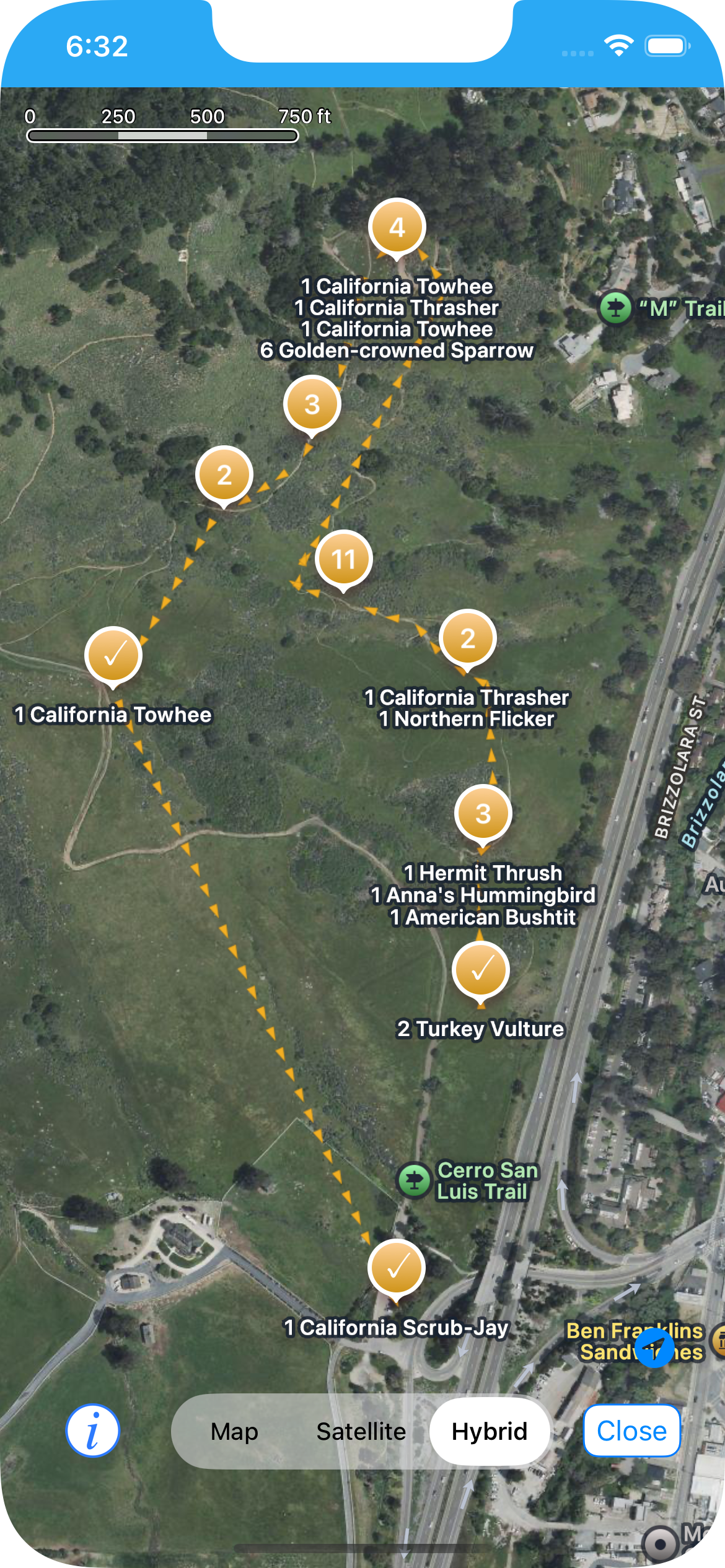
You can see where your checklist started and ended
Dark Mode support is much improved in this release, after some feedback from beta testers. Thank you for all your input! Larger font sizes in the main view and the checklist view are also better supported.