Improved California Bird Atlas Support
Starting with Birdathon 2.0.2, there’s a button at the bottom of the main screen that takes you to a set of utilities to support the California Bird Atlas (CBA). The CBA is a new five-year project to document all the breeding birds in the state of California. I’m one of the two Regional Coordinators for San Luis Obispo County, so it’s been a big part of my birding life this year.
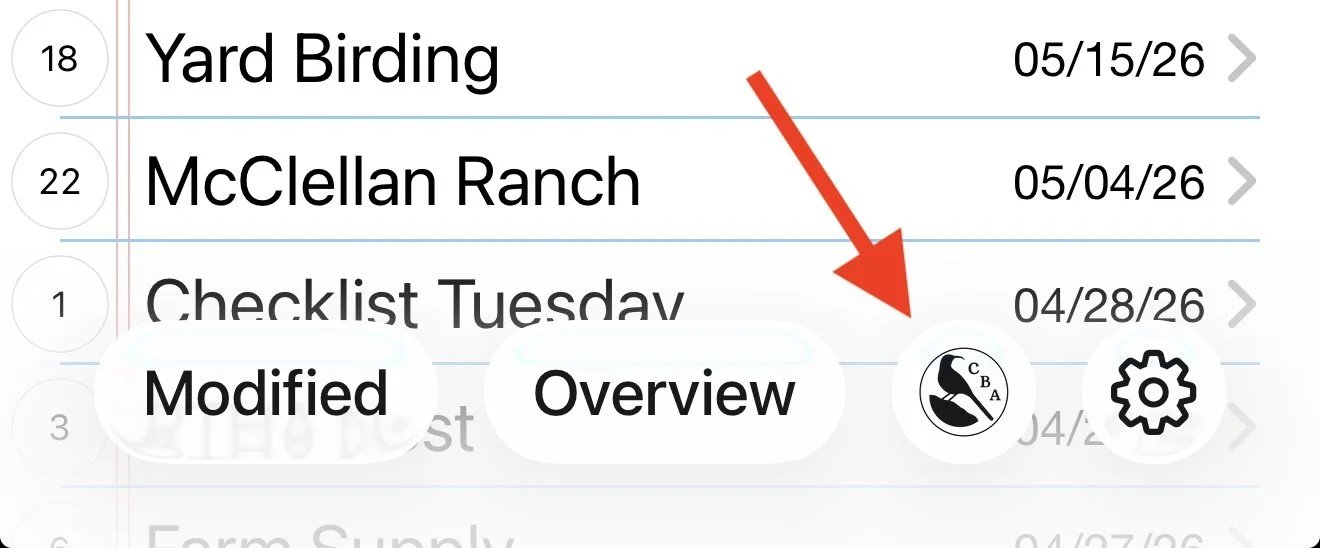
Clicking on the CBA button in Birdathon brings up a view with three tabs. Here’s a Youtube video that goes over the basic features:
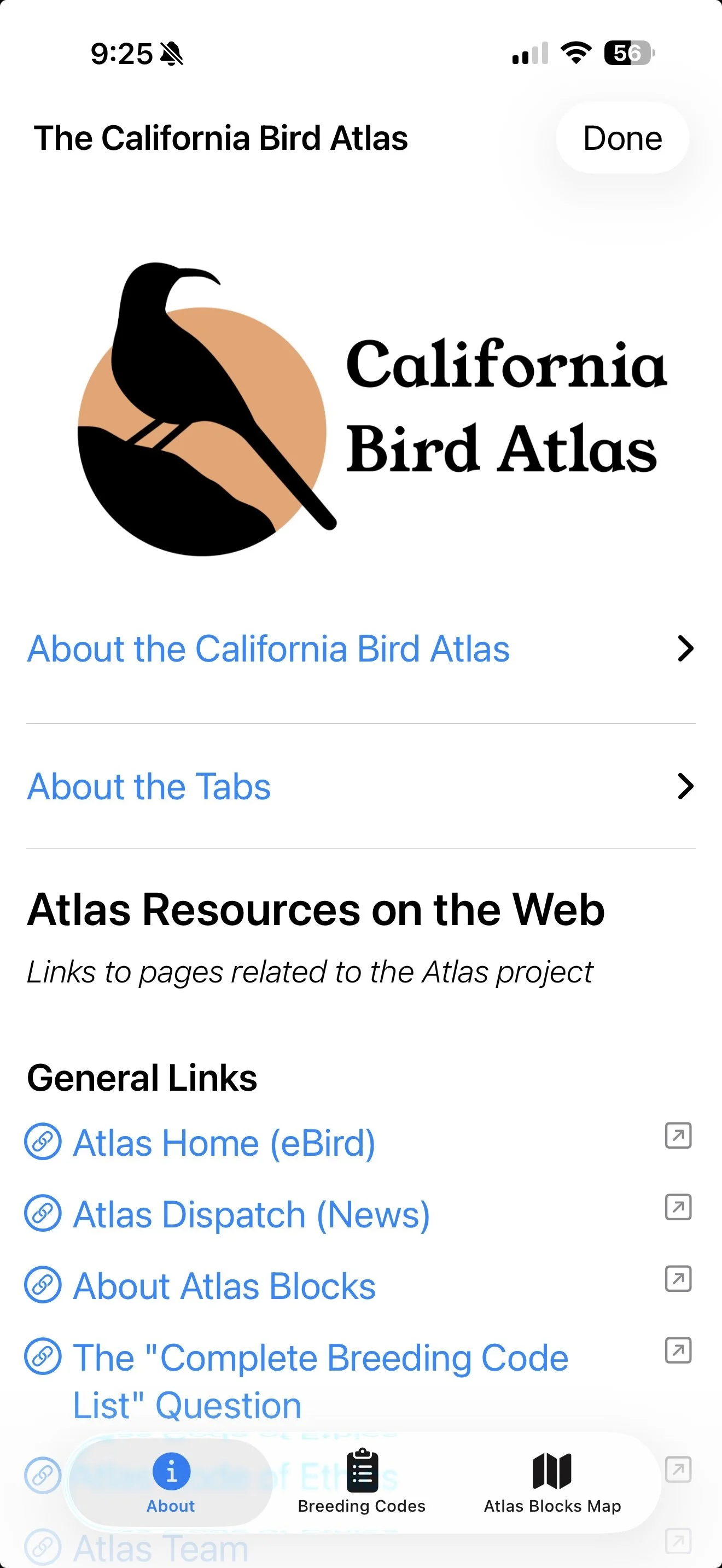
The first tab is an overview of the Atlas effort and a set of handy links to documentation, tools, and videos to help with your bird atlasing efforts.
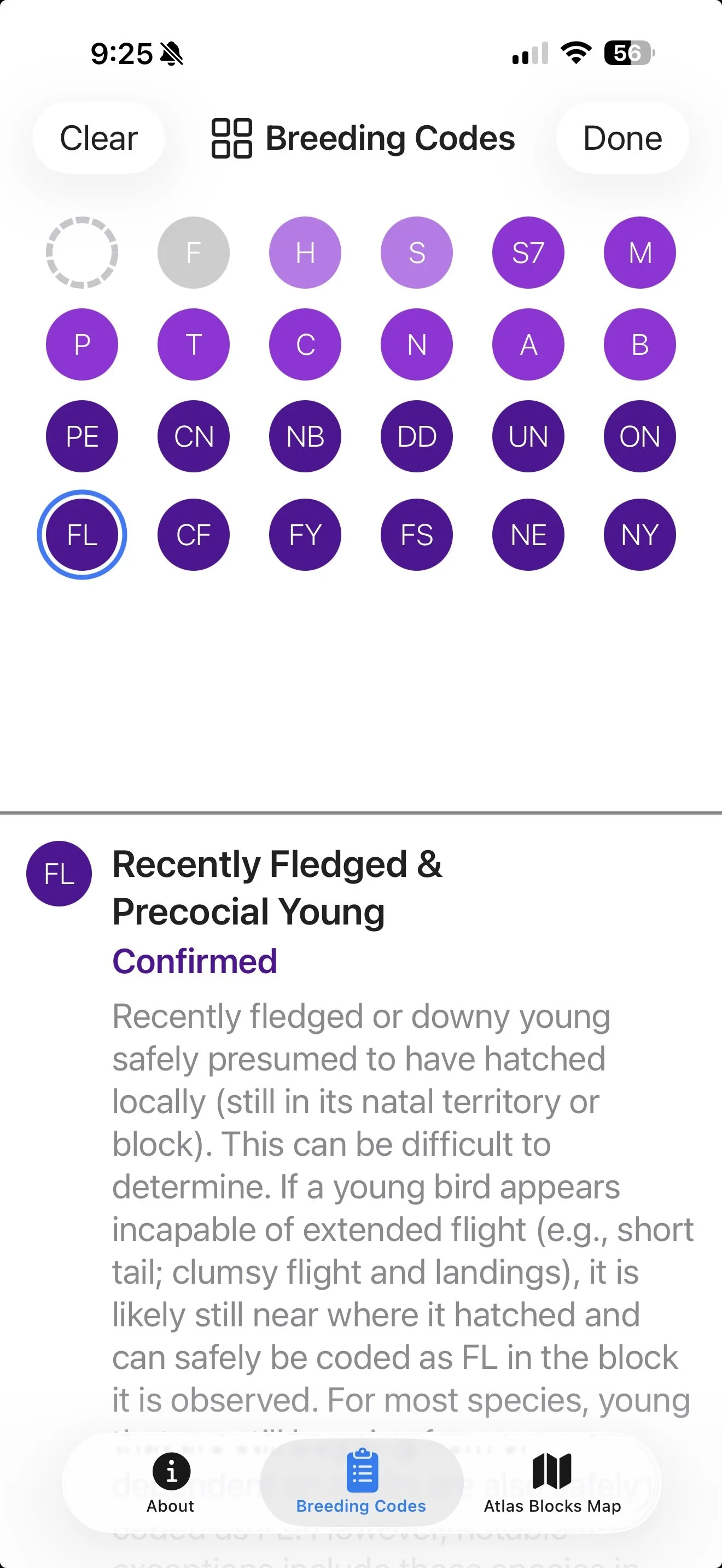
The second tab shows all the Breeding Codes used to document breeding evidence and behavior. Now that you can add Breeding Codes to any of your bird observations in Birdathon, this is a good place to read about all the different codes so you can apply them accurately and efficiently.
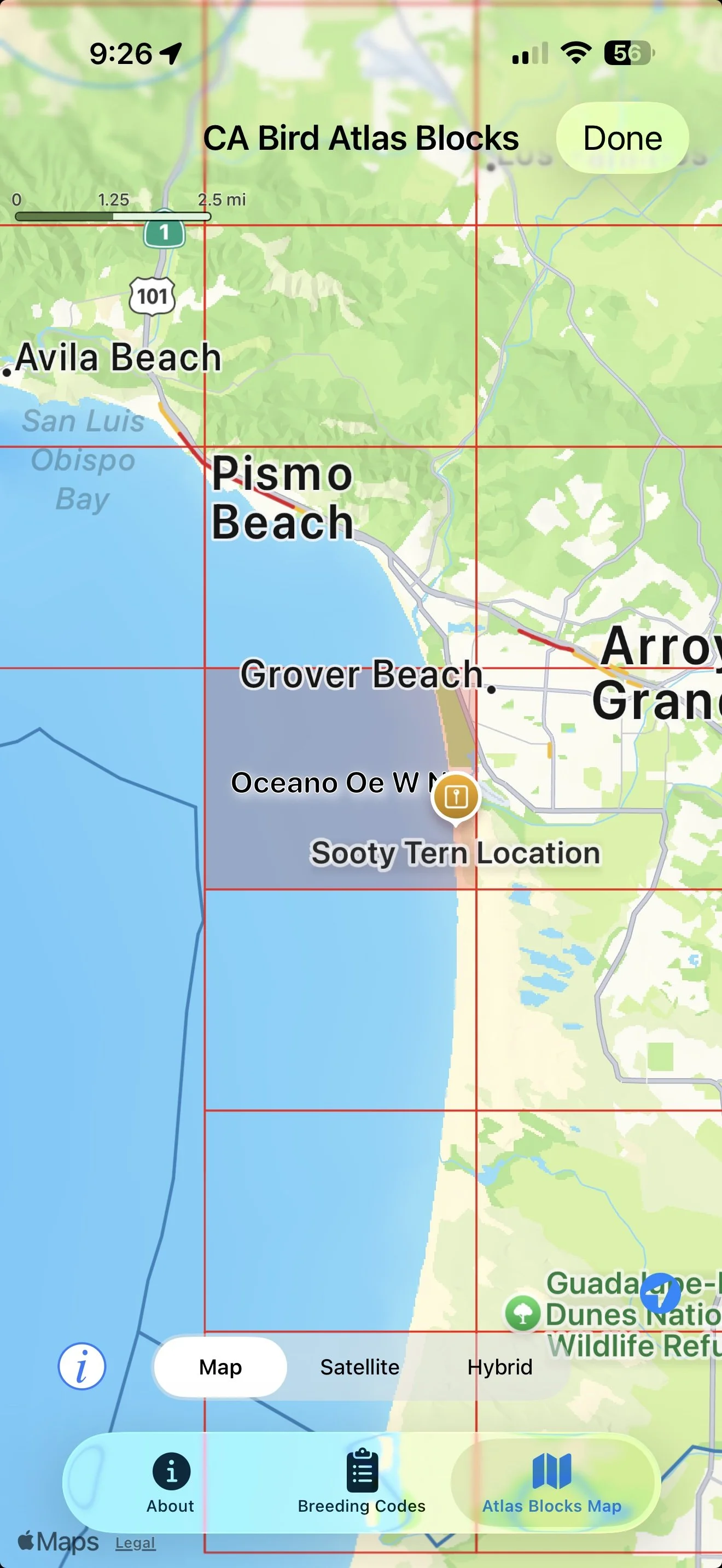
The third tab is a handy map showing Atlas Blocks for each county. This map can be really useful in the field, even if you’re using eBird instead of Birdathon for your checklist. This map will work even with no cell connection. Although it may not be able to load the map tiles if you have no networking, you can still see the county boundaries, the atlas blocks and your current location within the block. Starting with Birdathon 2.0.3, you can also add pins to this map to note items of interest on the map, such as a nest site that you might want to revisit.
Below is a detailed list of all the changes to Birdathon since version 2.0.0.
2.0.3
General changes:
Tapping on maps now prioritizes pins over the underlying county boundaries and custom overlays
The duration of a checklist is now consistent wherever it appears (in the statistics at the bottom of a list, in the eBird report, and in the email report). Duration is the difference between the time the checklist was created (which you can adjust) and the time of the last observation or comment made in the checklist
When making an eBird report, if your list is marked as Incidental it will automatically check "No" for "Is this a complete checklist?" Basically just a slightly smoother workflow
On iPads, the Breeding Code view now fills the screen rather than being relegated to one-third of the screen
When tapping a Breeding Code the list automatically scrolls so that the code selected is still visible
The Checklist Statistics view (shown when tapping on the bottom middle button in a checklist) has been cleaned up
Birdathon has been migrated to a scene-based architecture to ensure compatibility with future versions of iOS
California Bird Atlas (CBA) Tools updates:
You can now create and name pins on the Atlas Blocks Map. This can be handy for personally marking interesting locations (e.g. nests) you might want to check up on, or marking blocks you plan to bird, etc. Pins are persistent, editable, movable, and deletable. You can copy the latitude & longitude from a pin. You can get Map directions from a pin
The About tab has been significantly refined. There are new and updated links, videos, custom icons, and pointers to new tools including Blockboard and Code Check
“Always Show Current Location” is now on by default for the Atlas Blocks Map
For new installations, the county for displaying Atlas Blocks is now selected automatically based on your current location. If it can't figure out your location (or you don't give it permission), then it defaults to Santa Clara County
2.0.2
Checklists now have the ability to record breeding codes for each observation. The Breeding Code view includes a text description of each code. When saving an eBird report to import into eBird, codes will be included
A button on the Home Screen leads you to a new California Bird Atlas view, specifically designed as a resource in the field to support this five-year breeding bird survey. Three tabs show (1) general information and links, (2) an annotated list of Breeding Bird codes, and (3) a map with CA county boundaries and Atlas blocks that you can display for any county
When saving an eBird report to import into eBird, you now have the option to include GPS coordinates (latitude & longitude) for each observation. Use with caution to avoid endangering sensitive species or nest locations
Also for eBird reports, if a bird was only marked as heard, Birdathon will add "Heard only" to the details field for that species in the eBird checklist
This release also includes several layout improvements, especially for smaller screens, and fixes bugs
Additional changes include:
Changed the sort style button to show icons instead of text
Made the species/item count button be much more compact
Settings button now shows gear icon
Added checkmarks to indicate the currently selected item in the sort style menus (both the main view and checklist views)
Separated bottom and top buttons that were merged together due to lack of spacers
Improved the Dark Theme app icon
App now asks if you want to use location services at all appropriate points, such as when tapping the "current location" button on the map
Tweaked the color themes and the color theme picker
Checklist items now extend underneath the bottom buttons
Fixed a bug where indeterminate birds (birds where "?" was tapped) sometimes lost their indeterminate status
Made sure all fields are included when exporting checklists to JSON files
2.0.1
Bug fix update, see previous version's release notes for the recent feature changes.
Fixed alignment and color issues with the buttons on the main screen with older iOS versions
Now supports down to iOS 16.1
County lines now show up immediately on first display
Range circle centers are more visible
App Icon no longer clipped in the Settings view